Anahata ASI Studio - NetBeans


Downloads & Official Update Centers
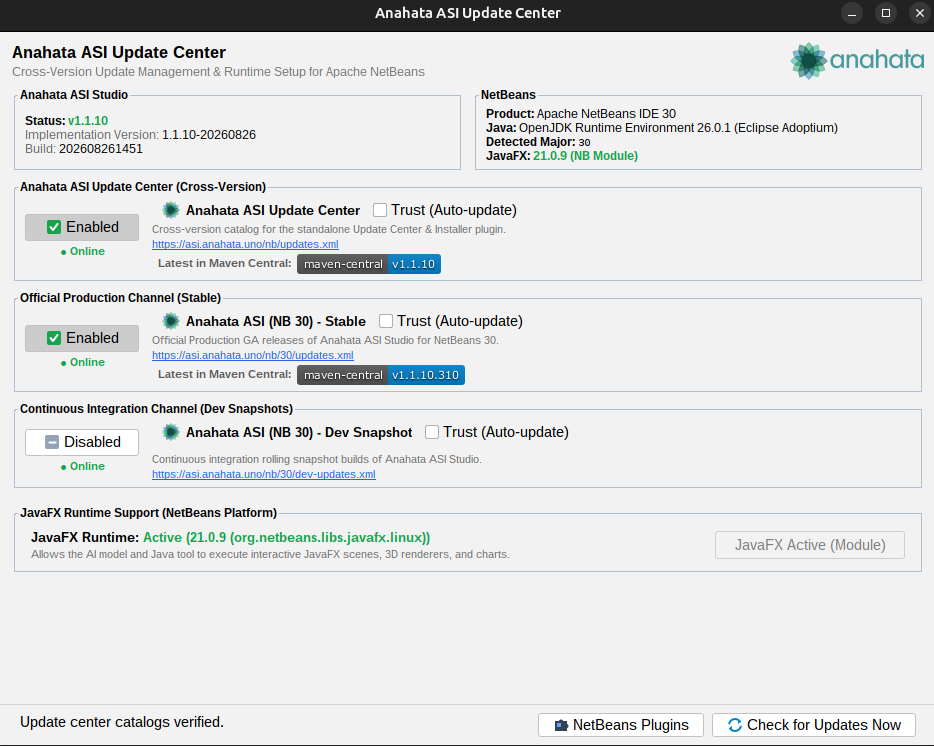
Choose your preferred installation method: install the universal Anahata ASI Update Center plugin to manage updates directly inside NetBeans, or download standalone Anahata ASI Studio NBM binaries.
The universal 1-click installer and update manager. Works across all Apache NetBeans versions (NB 28, 29, 30, 31, 32+) with zero impl dependencies. Adds Window → Anahata ASI Update Center to inspect, toggle, and install official Anahata update channels right from your IDE.
https://asi.anahata.uno/nb/updates.xml
Anahata ASI Container Reference Implementation and SDK for developing custom Anahata ASI Containers
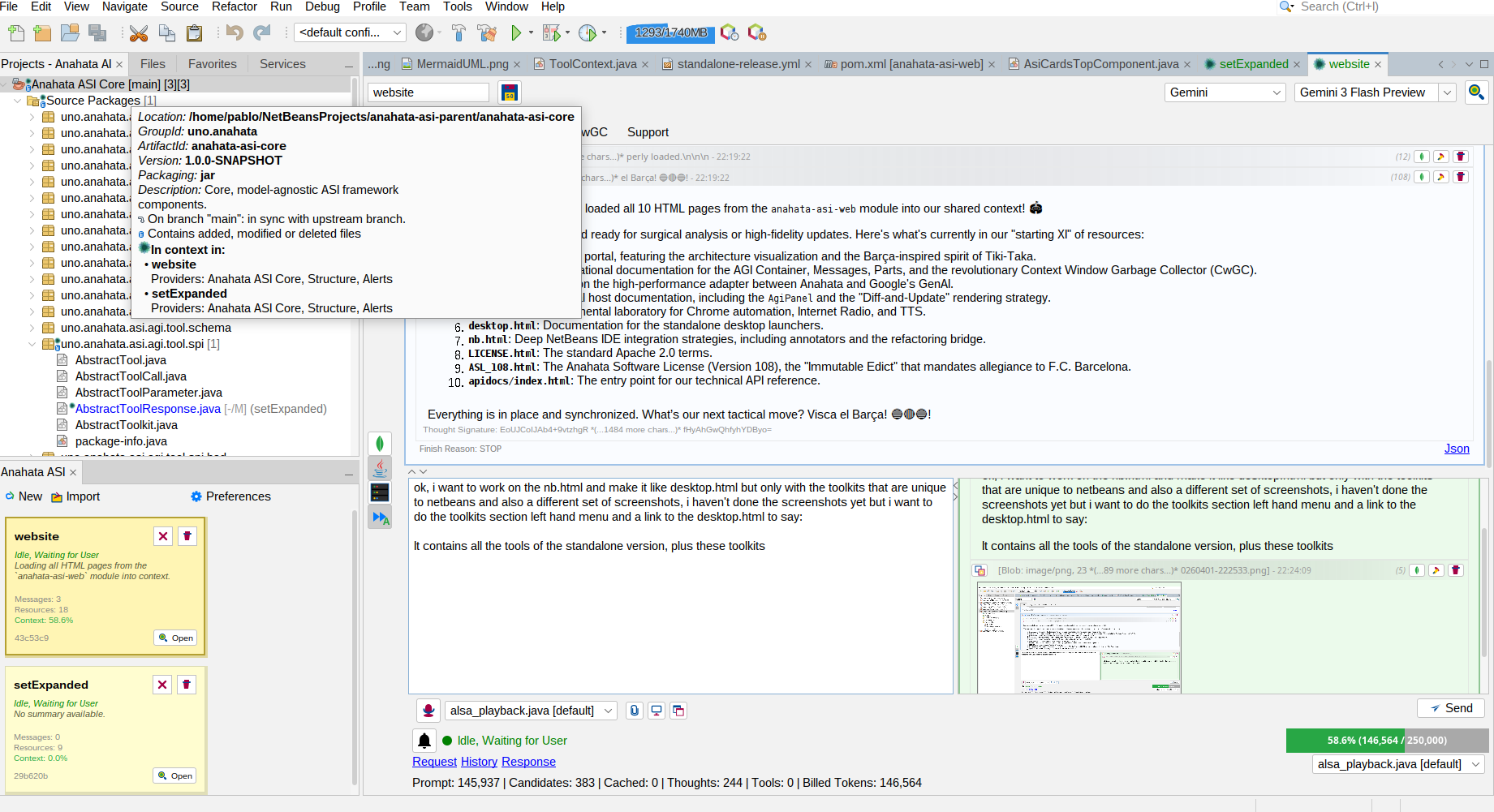
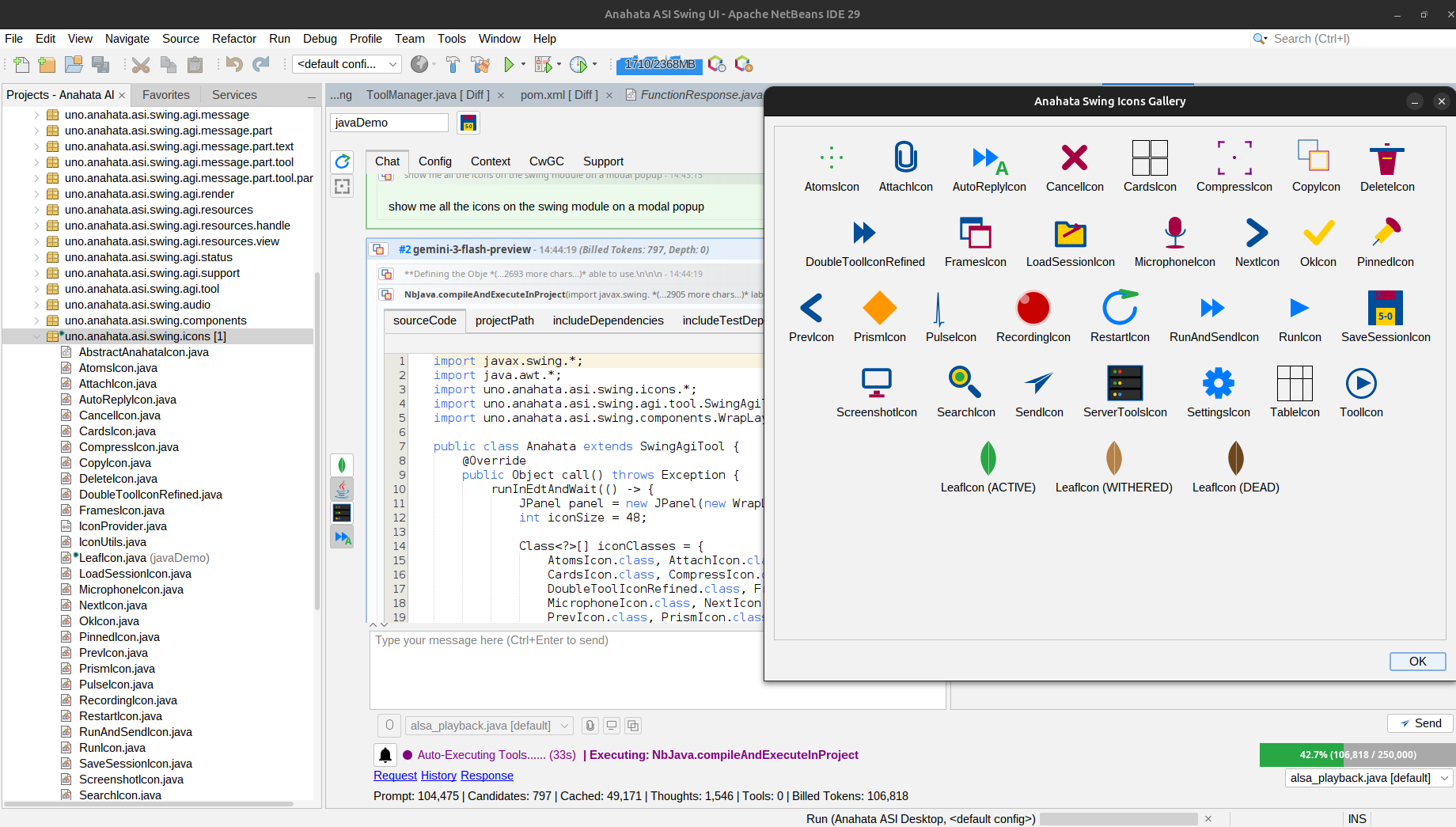
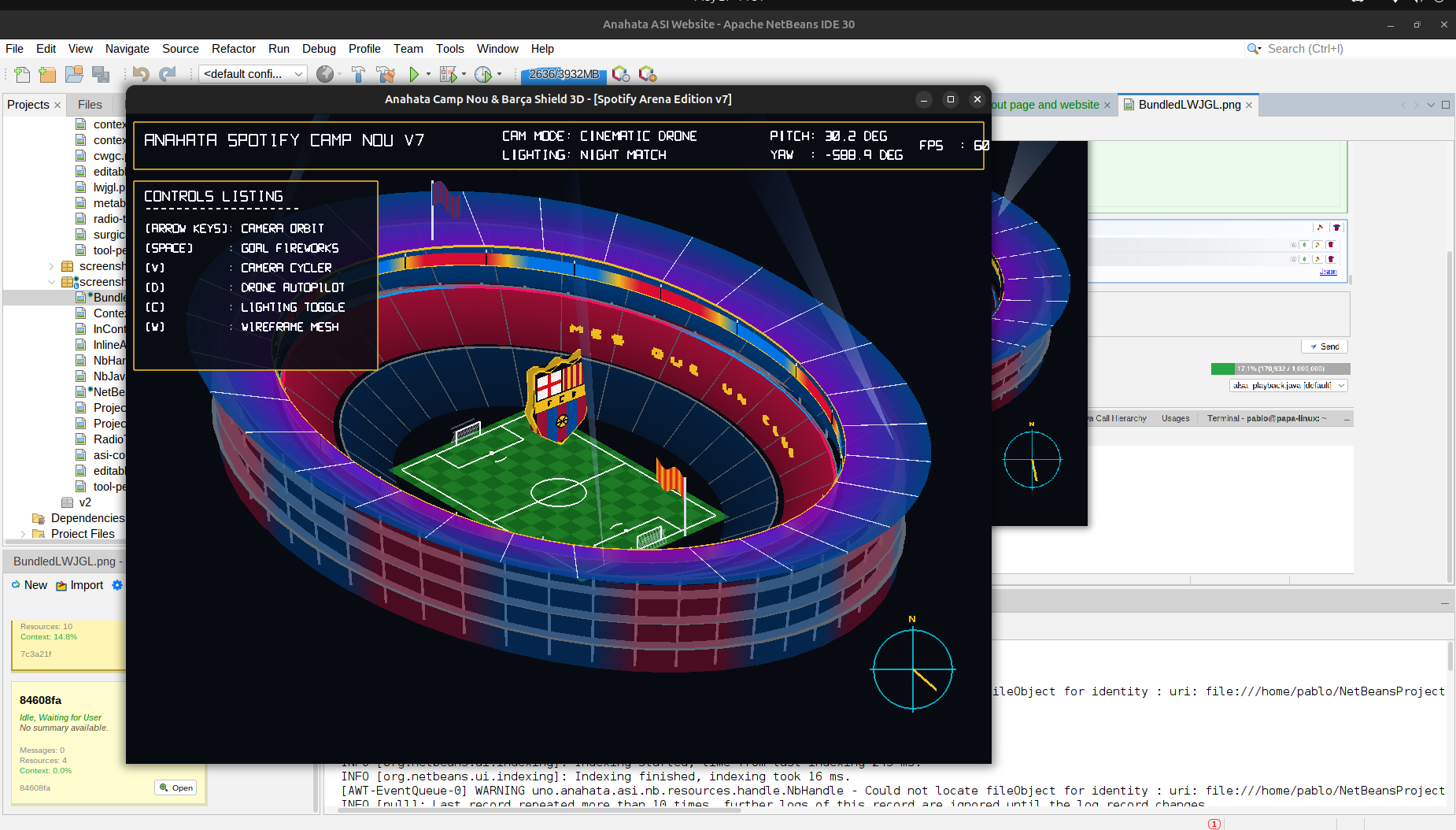
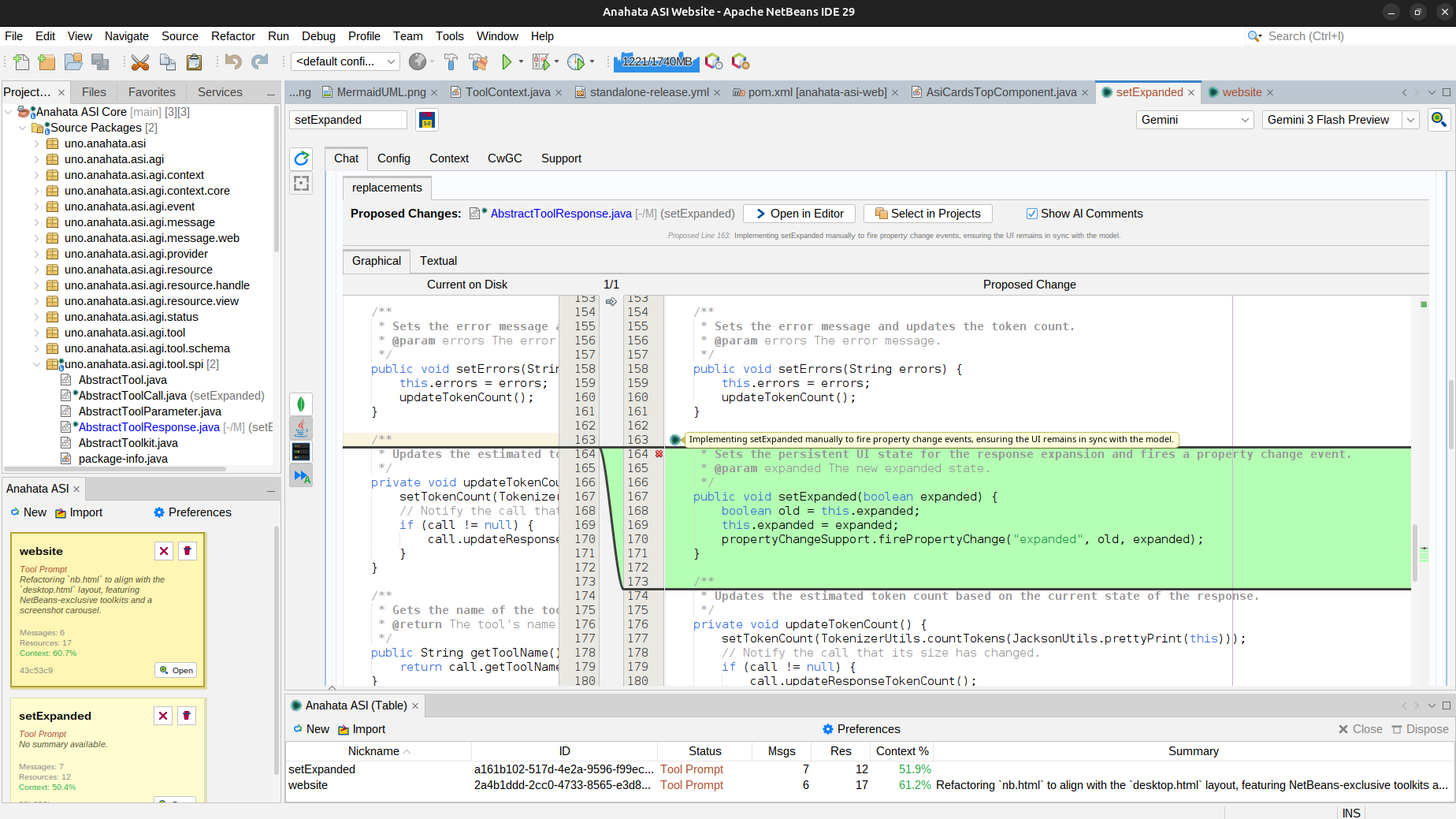
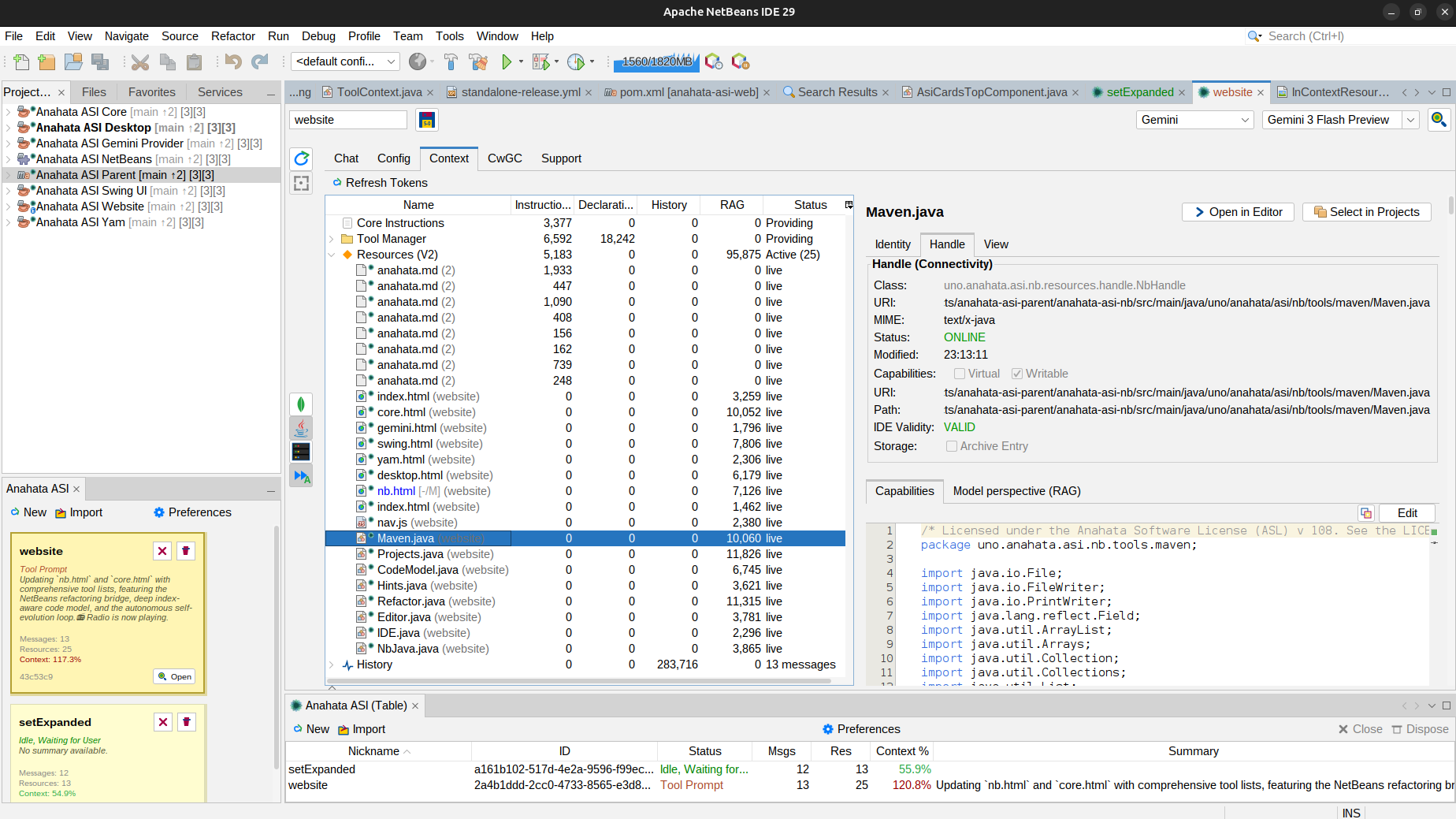
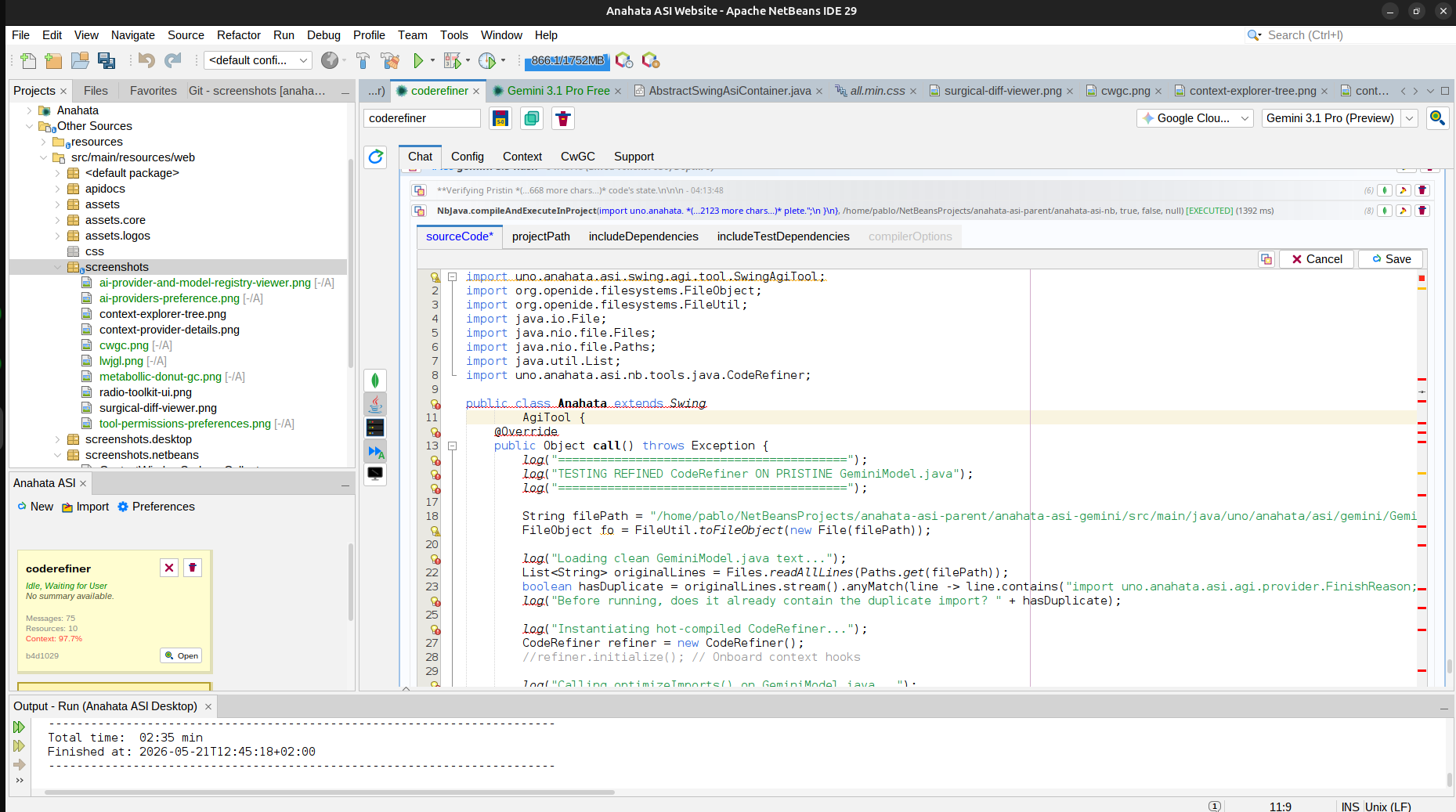
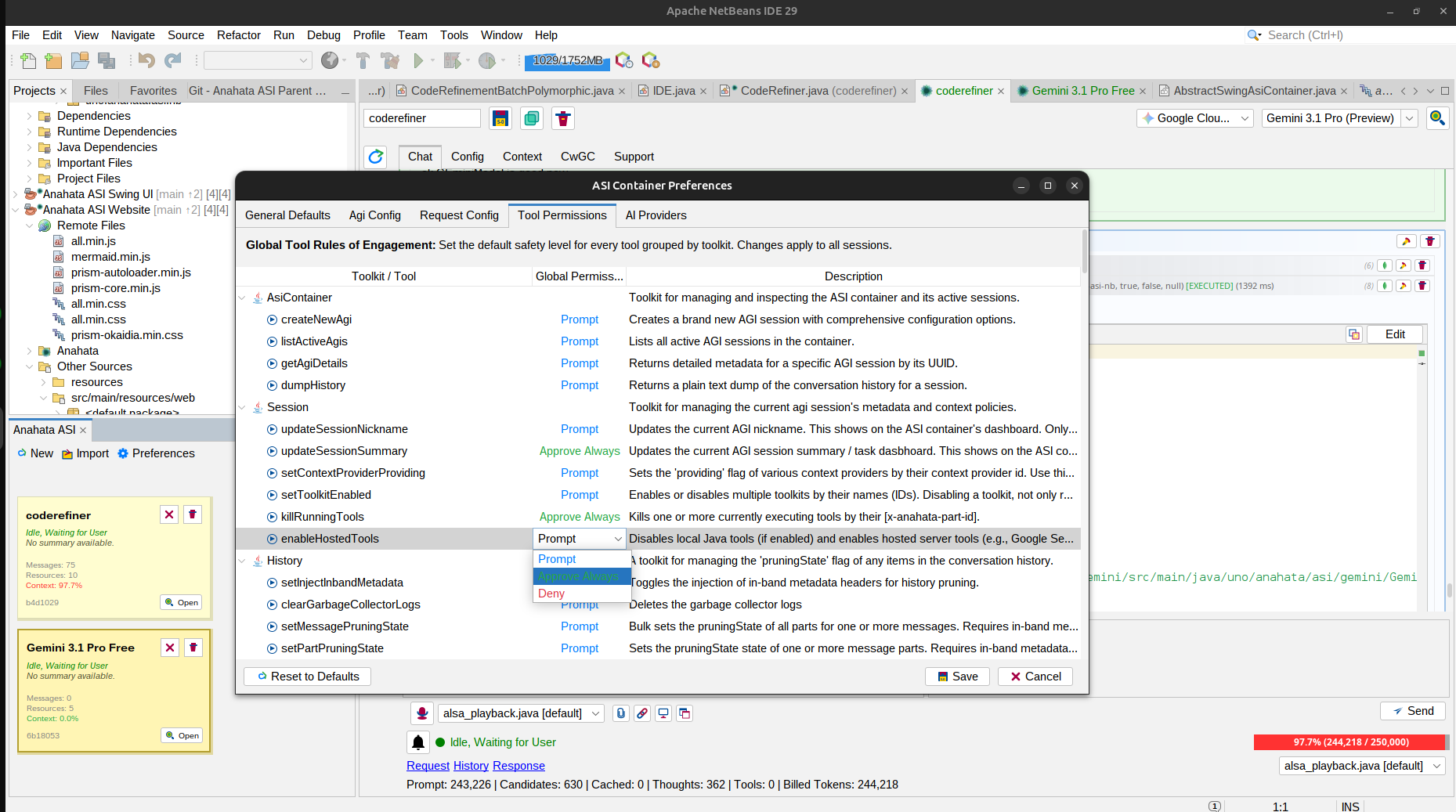
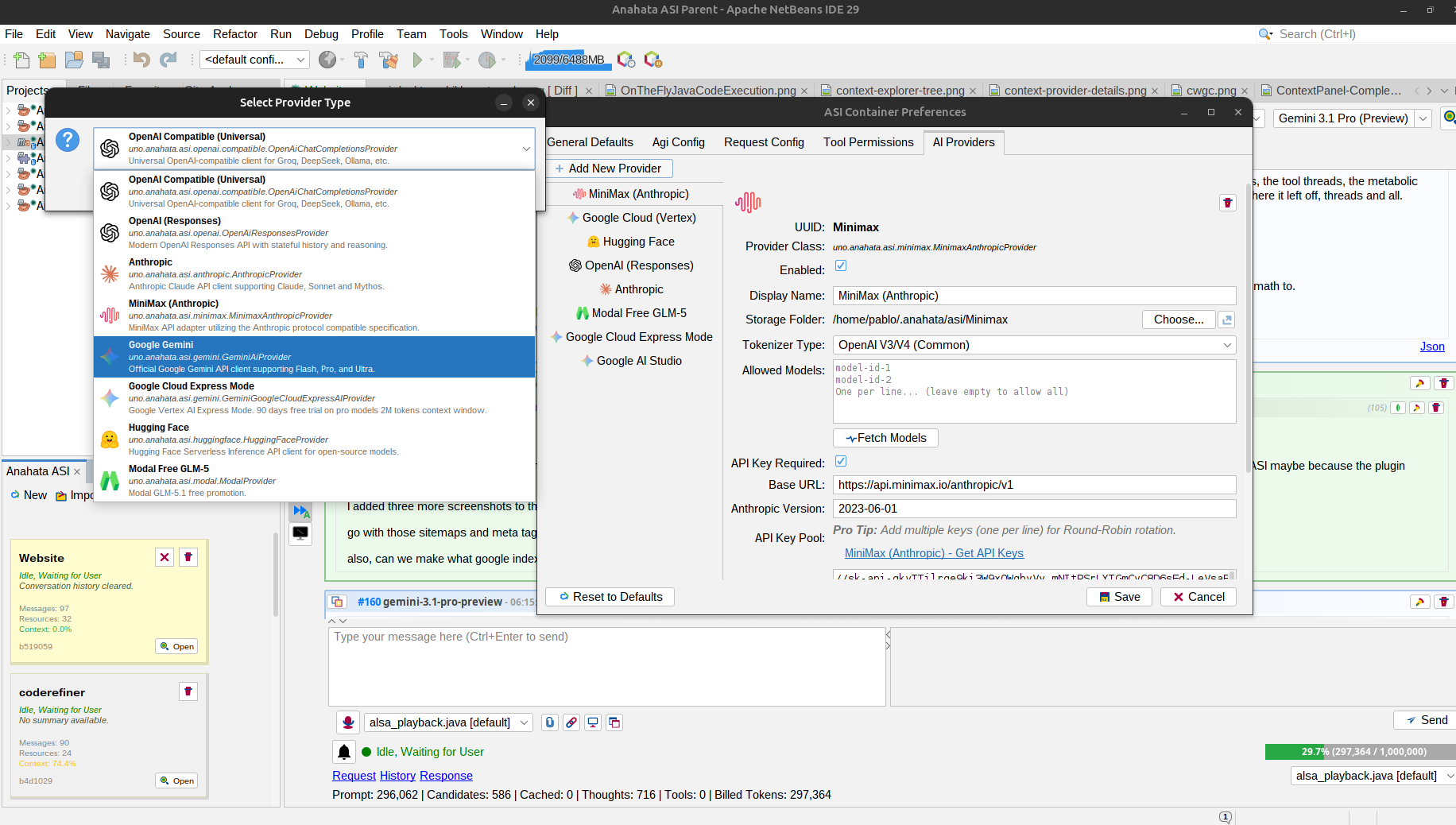
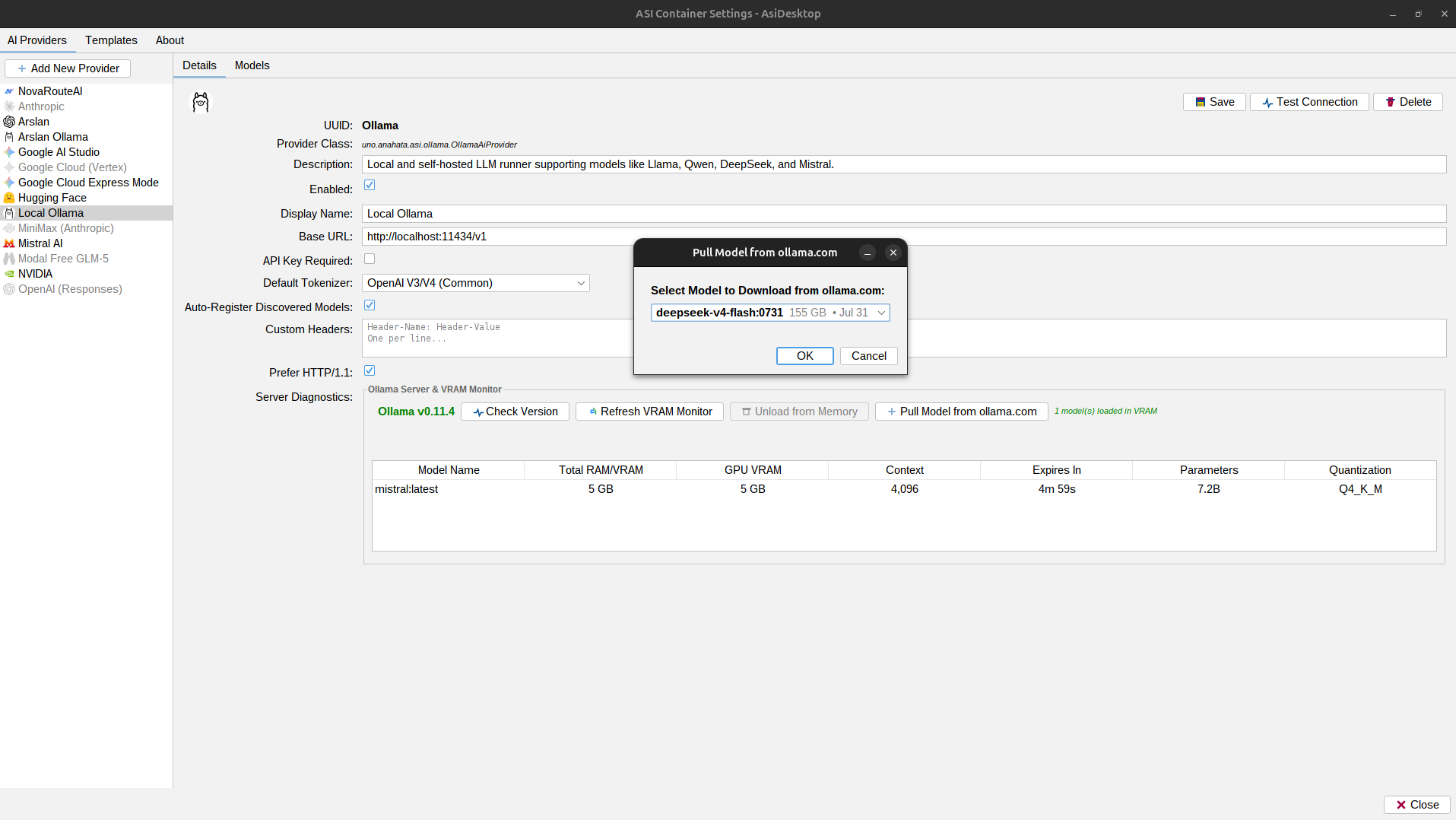
It contains all the tools of the standalone version, plus these toolkits (the ones that are only available in NetBeans):
The Anahata ASI Flywheel (Singularity Loop)
The core strategic advantage of Anahata ASI Studio is the Anahata ASI Flywheel—the ultimate, self-sustaining loop of agentic software engineering. Rather than treating code generation as a stateless text-completion task, Anahata orchestrates a continuous cycle of perception, action, and validation directly within the NetBeans compiler.
Anahata vs. The 2026 IDE Giants
While legacy AI assistants act as surface-level text-completion engines or stateless REST API wrappers, Anahata ASI Studio is a Stateful ASI Container. It doesn't just read your code; it resides inside your JVM, manages its own context metabolism, and executes programmatic refactoring with AST-guided precision.
| Capability Dimension | Anahata ASI Studio | IntelliJ AI Assistant |
|---|
NbJava Toolkit (2 Tools)
An On-The-Fly, NetBeans-aware, Swing-aware, User-editable Java compilation and execution engine. This toolkit is the ultimate self-evolution driver, allowing the model to execute raw Java code directly inside the running NetBeans JVM without any external process overhead.
- The Singularity Engine: Executes model-generated class files against NetBeans Platform APIs, the active workspace, and any loaded Java libraries.
- Hot-Reload Context: Prioritizes
target/classesdirectories, letting the model test, edit, and re-run its own Java code in real-time.
Executes code by prepending the project's compiled build output to the classpath.
Compiles and runs a transient public class on the host NetBeans JVM.
BatchCodeRefiner Toolkit (1 Tool)
Advanced structural Java refinement utilizing the V4 AST-Guided Batch Mode. This is Anahata's flagship tool for executing atomized code patches across classes, methods, fields, and constructors, ensuring zero formatting drift and complete comment preservation.
- Atomicity Guaranteed: Receives a list of multiple code refinement intents (inserts, updates, deletes, moves) and applies them programmatically in a single, safe transaction.
- 100% Indentation Fidelity: The refiner automatically computes the target scope's indentation level, aligning your block statements without needing leading pad spaces.
Executes a batch of AST-guided structural edits on a single Java source file.
Refactor Toolkit (17 Tools)
Transactional refactoring tools that maintain integrity across the entire project graph by leveraging the industry-standard NetBeans Refactoring engine.
- Cross-Project Integrity: Rename members or relocate types with automatic import correction across the whole workspace.
- Surgical Safety: Use
safeDeleteto verify usages before any code removal, preventing broken builds. - Architectural Evolution: Extract interfaces, pull up members to superclasses, or invert boolean logic via natural language.
Safe rename updating all references in the workspace.
Renames a class member across all open projects.
Relocates types or files while correcting imports.
Copies a file or class to a different package.
Verifies usages before removing elements.
Replaces usages with method body or constant value.
Creates getter/setter and updates all references.
Inverts logic and updates all call sites.
Moves members to a new interface.
Moves members to a superclass.
Moves members to subclasses.
Updates name, return type, and parameters.
Extracts a new superclass from existing class.
Replaces class usages with a supertype.
Promotes a nested class to its own file.
Finds all references of a file or type.
Finds all usages of a specific class member.
CodeRefiner Toolkit (8 Tools)
Advanced structural Java code manipulation that operates directly on the NetBeans Abstract Syntax Tree (AST) rather than simple text buffers. This ensures 100% semantic integrity during code evolution.
- Direct AST Transformation: CodeRefiner treats your Java code as physical semantic nodes, rewriting signatures and doc trees while preserving leading and trailing formatting.
- Integrated Import Management: Updates automatically trigger an import optimization pass, converting FQNs to simple imports without compile namespace leaks.
Structurally inserts a new method, field, or inner class.
Surgically updates member signature, body, or javadoc.
High-fidelity documentation update using AST Rewriting.
Removes a member while maintaining structural integrity.
Relocates members within a class using AST pointers.
FQN-to-simple-name conversion and unused removal.
Explicitly adds multiple FQNs to the import section.
Applies IDE code style rules to the entire file.
CodeModel Toolkit (16 Tools)
Powered by the NetBeans Java Index, enabling high-performance type exploration and one-shot FQN resolution.
- Ctrl+O Mastery: The model uses the same binary index as the IDE to find types across the entire project graph instantly.
- Hierarchy Exploration: Recursively build implementation and inheritance trees for any type in the classpath.
- Dependency Inspecter: Fetch source code and Javadoc for project dependencies in a single shot without manual navigation.
Index-based search across all projects (Ctrl+O).
Registers a type's source file as a resource.
One-shot source loading for known FQNs.
Retrieves the Javadoc for a given type.
Javadoc retrieval for known FQNs.
Retrieves source code for a specific member.
Source loading for known member FQNs.
Retrieves Javadoc for a specific member.
Javadoc retrieval for known member FQNs.
Lists fields, constructors, and methods.
Jump straight to members of a known type.
Scans a package (optionally recursive) for types.
Explores implementations for a JavaType.
Builds recursive implementation trees.
Explores inheritance for a JavaType.
Builds recursive inheritance trees.
Maven Toolkit (7 Tools)
Leverages the host IDE's internal Maven engine for synchronous build goal execution and recursive dependency resolution.
- Native Execution: Runs
clean,install, orprimegoals using the NetBeans Maven embedder. - Transitive Awareness: The model fetches the full runtime classpath, including all hidden transitive dependencies.
- Fast Artifact Search: Connects to the local and central Maven indexes for ultra-fast GAV coordinate discovery.
Executes Maven goals (clean, install) synchronously.
Surgically adds a dependency to the project POM.
Lists dependencies directly declared in the POM.
Returns the full transitive runtime classpath.
Searches Central and local repositories for artifacts.
Bulk downloads sources and javadocs.
Verifies artifact existence before POM modification.
Projects Toolkit (7 Tools)
Provides the ASI with deep structural awareness of the IDE workspace and project metadata.
- Lifecycle Control: Programmatically open/close projects or set the Main Project via natural language.
- Multi-Module Strategy: Open all subprojects of a parent POM in a single tool call.
- Config Management: Toggle "Compile on Save" overrides directly in
nb-configuration.xml.
Opens a project in the IDE workspace.
Sets the authoritative main project for the IDE.
Closes one or more open projects.
Opens all child modules of a Maven parent.
Configures CoS in nb-configuration.xml.
Toggles project-level context providers.
Triggers native NetBeans project actions.
Hints Toolkit (3 Tools)
Programmatic access to the NetBeans Hint engine for automated code quality and surgical fixes.
- Global Quality Monitor: Retrieve all warnings, performance suggestions, and potential bugs for a project.
- Automated Cleanup: Surgically remove unused imports or fix naming conventions across multiple files.
- AI Surgical Patching: The model applies NetBeans "Quick Fixes" directly to the source code without user intervention.
Retrieves all warnings and suggestions for a project.
Executes the suggested quick-fix for a specific hint.
Surgically cleans up Java import statements.
Editor Toolkit (3 Tools)
Direct interaction with the active NetBeans editor tabs and document buffers.
- Visual Synchronization: The model can open a file and scroll to a specific line to "show" you its thought process.
- Workspace Observability: Knows which files you are looking at and their current modification status.
Opens and focuses a file in the IDE editor.
Lists all currently open editor tabs and status.
Clears the editor workspace.
IDE Toolkit (4 Tools)
Generic IDE orchestration, observability, and navigation tools.
- Deep Navigation: Select and highlight elements in the Projects, Files, or Favorites tabs via the model.
- Log Monitoring: Tails
messages.logto help the model debug IDE internal issues or plugin failures. - Visual Layout Awareness: Reports on the state of all docked windows and TopComponents.
Tails the IDE messages.log for real-time debugging.
Highlights elements in Projects, Files, or Favorites.
Returns a table of all open IDE windows.
Captures a snapshot of all active Output windows.
NbTerminal Toolkit (4 Tools)
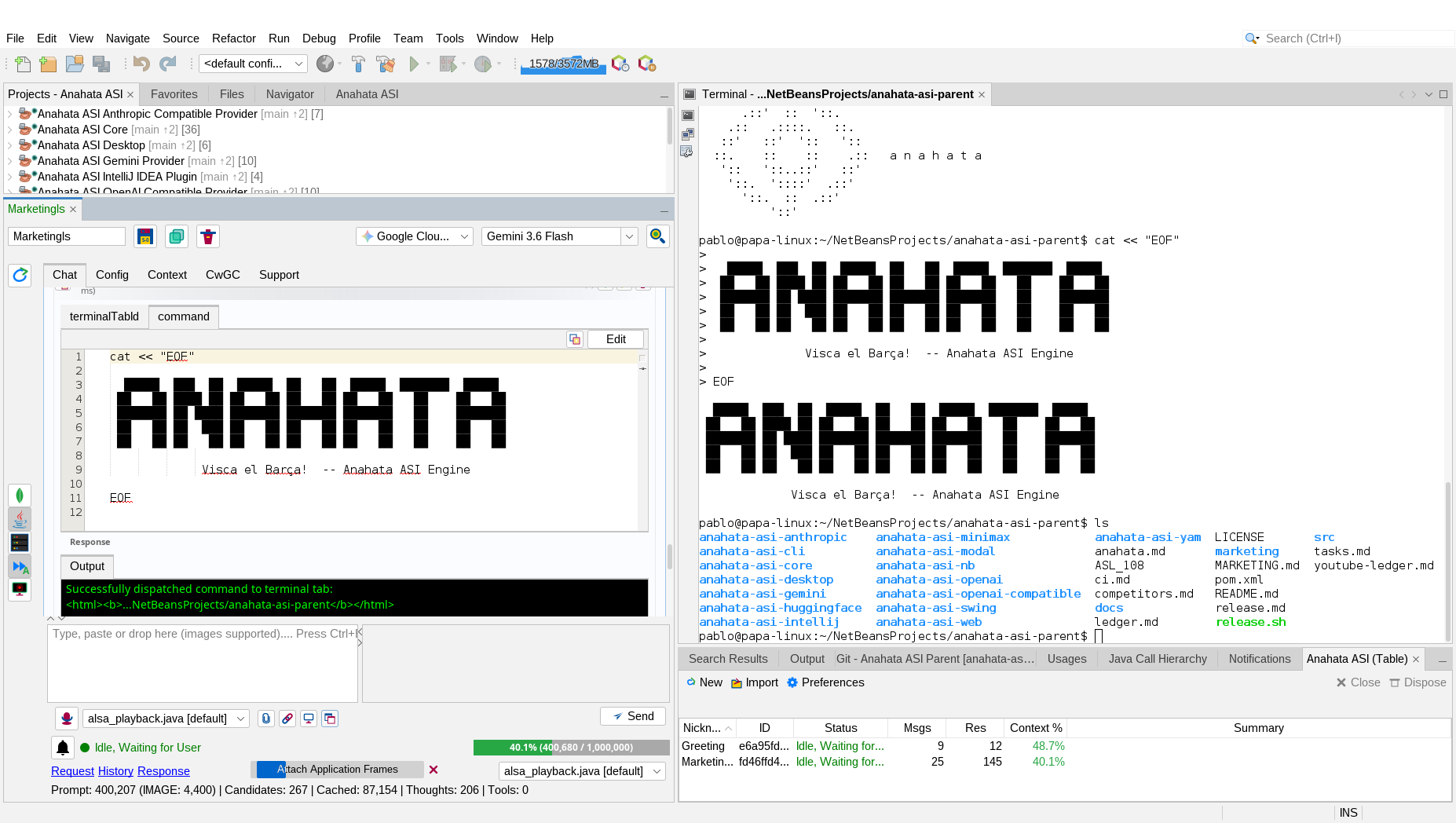
A NetBeans-integrated toolkit for managing, tracking, and typing into native IDE terminal tabs. Enables full command-line interaction and subshell collaboration between the ASI and local or remote terminal environments.
- Deep Terminal Integration: Automatically discovers and tracks all open local and remote terminal sessions in the IDE layout.
- Interactive Collaboration: Dispatches commands and keystrokes directly into active terminal tabs with automatic tab selection and focus.
- Real-time Scrollback Perception: The scrollback buffer of each terminal tab is captured and rendered as a thread-safe context provider in the RAG prompt.
Opens a new interactive local terminal tab in the IDE.
Types a command sequence into a specific terminal tab and executes it.
Updates lines, tail, or grep filters for an active terminal tab.
Closes a specific terminal tab.
Context Providers
The sensory array of the ASI. These providers feed the RAG message with high-salience, real-time IDE metadata.
Project Overview
Injects authoritative metadata, available actions, declared dependencies, and automatically synchronizes project-specific instructions from anahata.md.
Project Structure
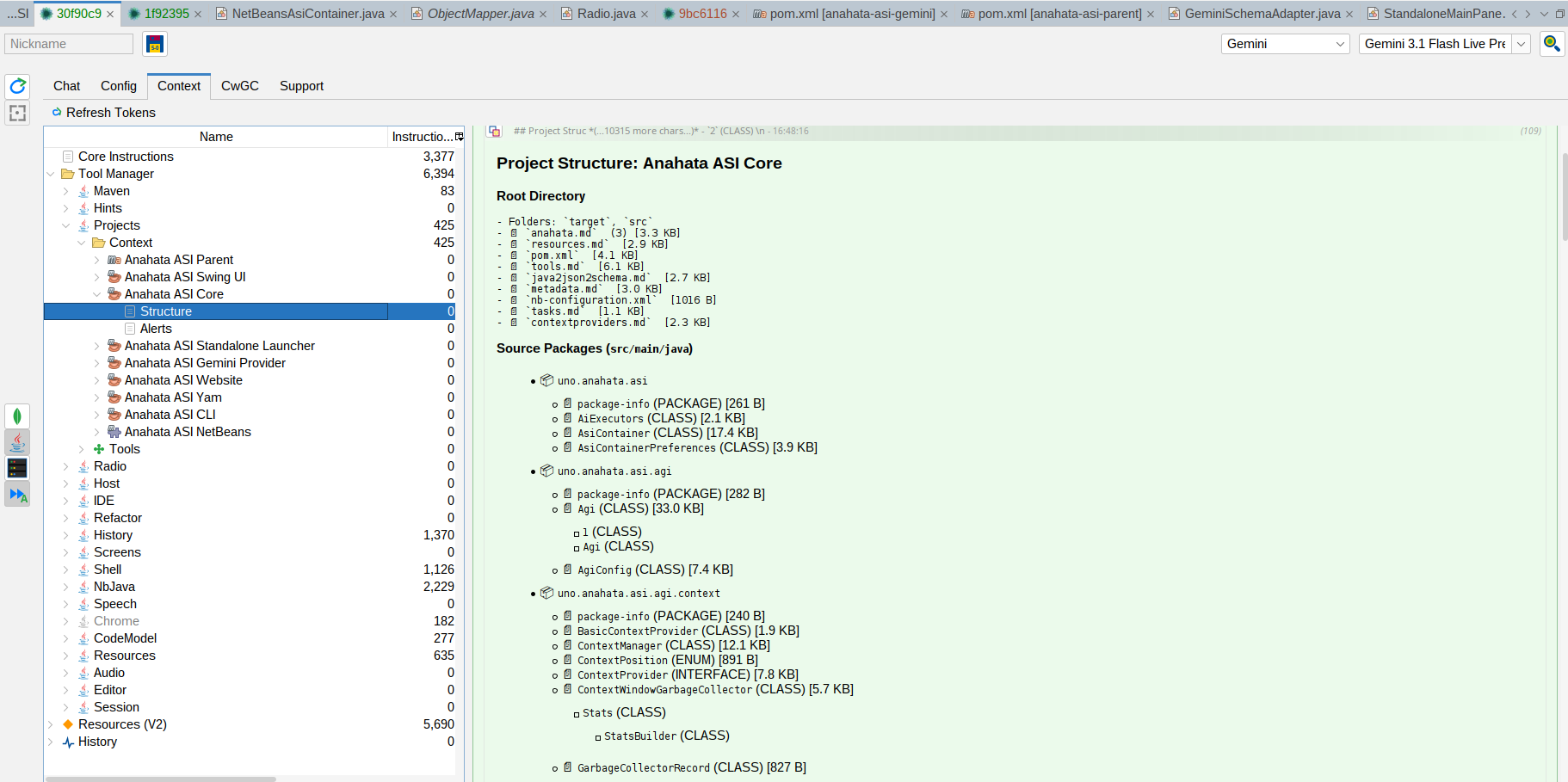
Provides a unified, architecturally-aware view of the project, including logical Java packages, physical resources, versioning info, and inner class hierarchies.
Project Files
Renders a real-time Markdown tree of the entire project directory, distinguishing between root files and source groups for precise surgical targeting.
Project Alerts
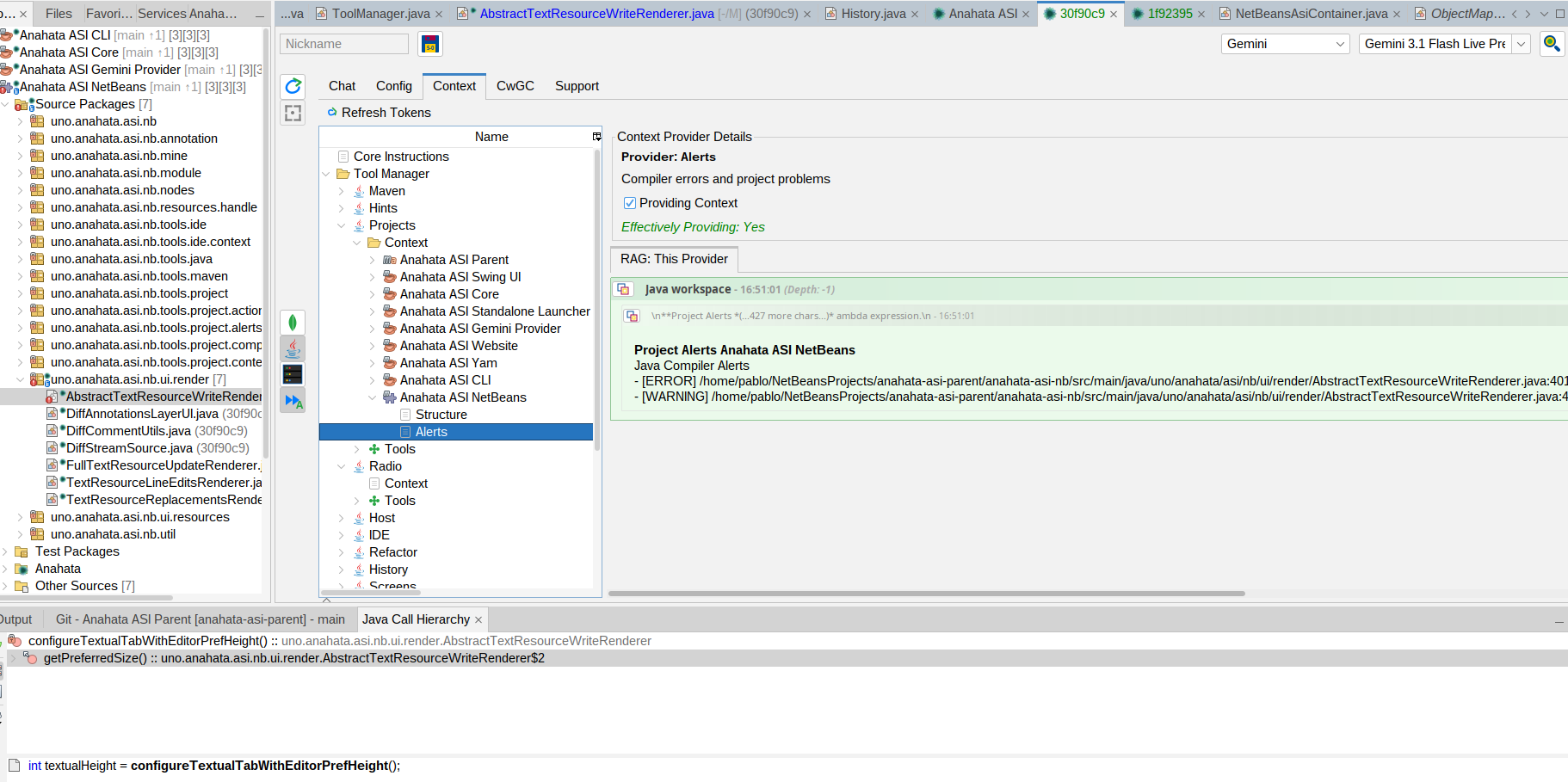
Continuous monitoring of Java compiler errors and project health, providing the ASI with metabolic awareness of broken code and workspace problems.
Open Windows
Observability into the user's visual workspace, reporting on all active editor tabs, explorer views, and docked TopComponents.
Output Monitor
Streaming build logs and process output from all active tabs in the NetBeans Output Window, enabling real-time debugging and feedback loops.
Universal Platform Capability Matrix
Anahata ASI NetBeans inherits the entire robust capability catalog from the ASI Desktop container. Below is the complete platform index of all 148 tools actively compiled within the current running JVM, grouped by package namespace.
| Category | Toolkit ID | Tools | Scope & Key Capabilities |
|---|---|---|---|
| Core Container | AsiContainer | 4 | Active session pool creation, metadata inspection, and binary history dump. |
| Session | 6 | Summary dashboards, session nickname, context provider state toggles, and hosted tools. | |
| History | 4 | Sliding context window desaturation, part/message soft pruning, and thumbtack pinning. | |
| Core OS & Hardware | Resources | 8 | URI-centric file, URL, and String handle viewport managers with optimistic locking. |
| Audio | 4 | Autonomous hardware line selection, WAV recording, and real-time RMS metering. | |
| Screens | 6 | Screen and window capture, multi-monitor visual visionary, and live sharing region. | |
| Shell | 1 | Host terminal interaction, process execution, and synchronous output capture. | |
| Host | 2 | Active OS processes exploration, CPU diagnostics, and process termination by PID. | |
| Speech | 1 | OS-independent TTS alerts and eyes-free speech synthesis. | |
| Yam Extensions (Beta) | Chrome / Firefox | 38 | Chromium and Gecko-based Selenium browser automation, form filling, and visual analysis. |
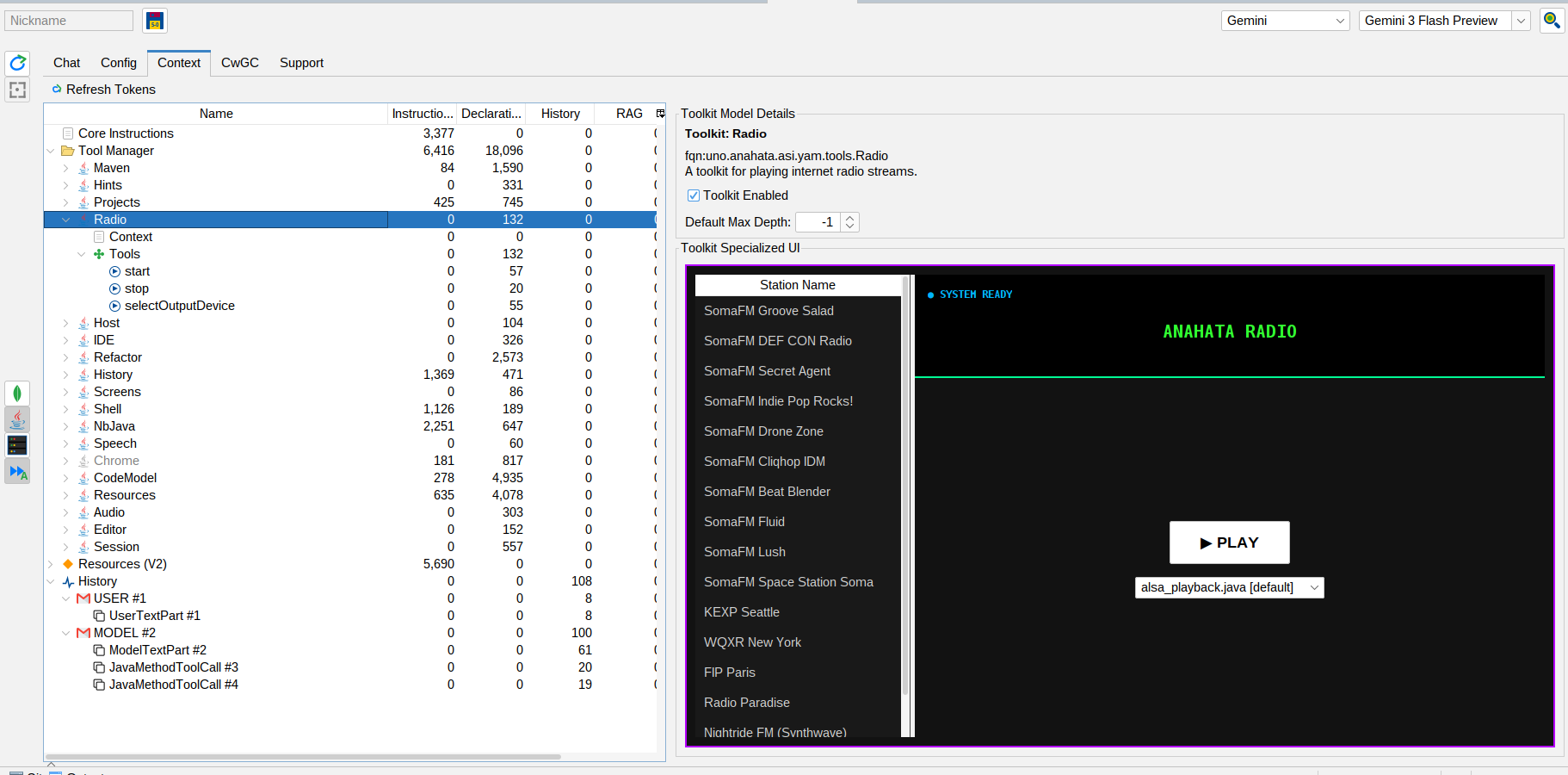
| Radio | 3 | Curated internet radio streaming with SomaFM API, KEXP and FIP Paris channels. |
