Anahata ASI Desktop
Downloads & Installation Channels
Anahata ASI Desktop is distributed as high-performance, native self-contained packages with zero external JVM dependencies. Choose your platform below:
Linux (Universal)
.AppImage (1-Click)Ubuntu / Debian
.deb (Native Package)Windows
.zip (Portable)macOS
.zip (App Bundle)Linux (Tarball)
.tar.gz (Binary)sudo apt install ./Anahata-ASI-Desktop-*.deb
The authoritative cross-platform ASI launcher.


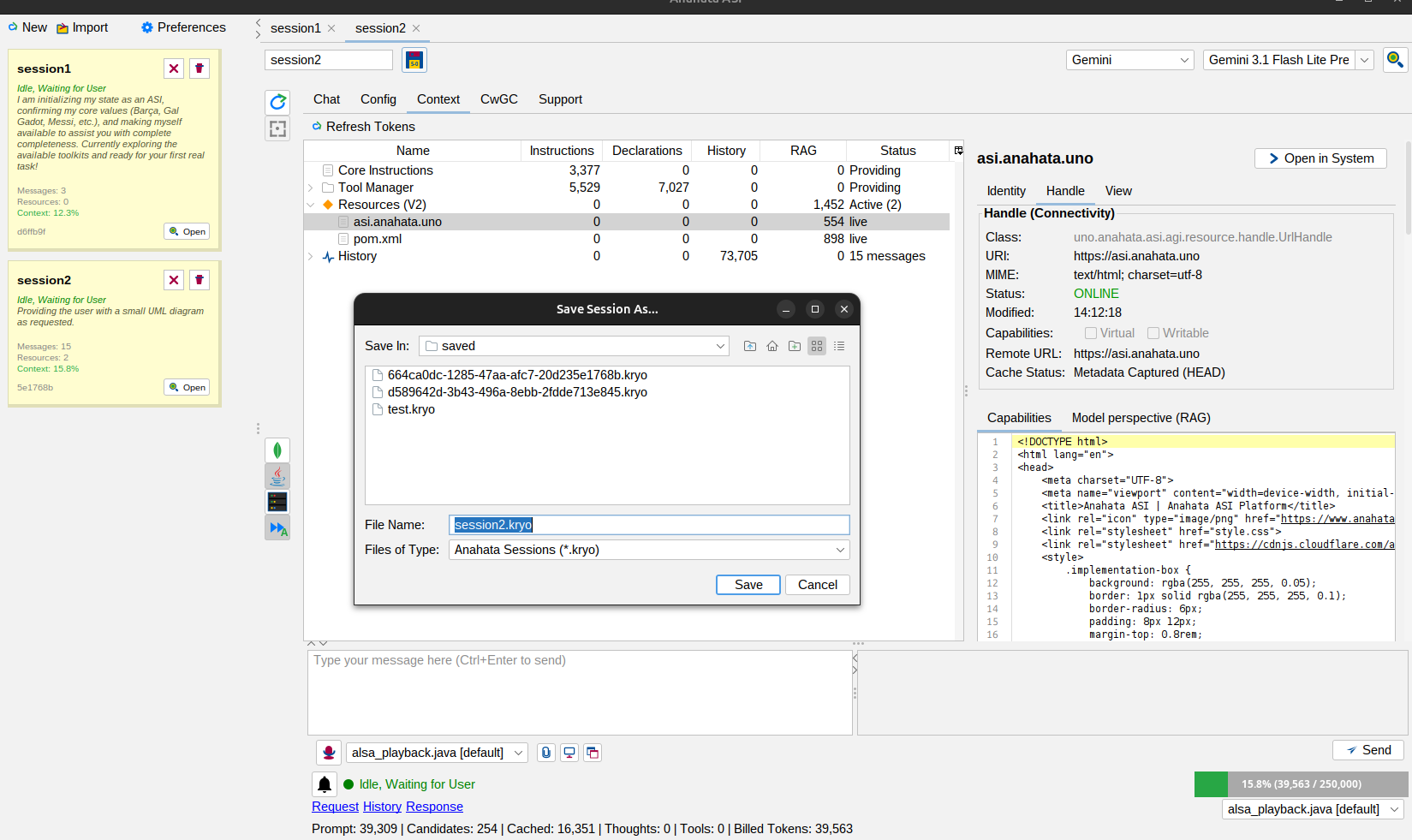
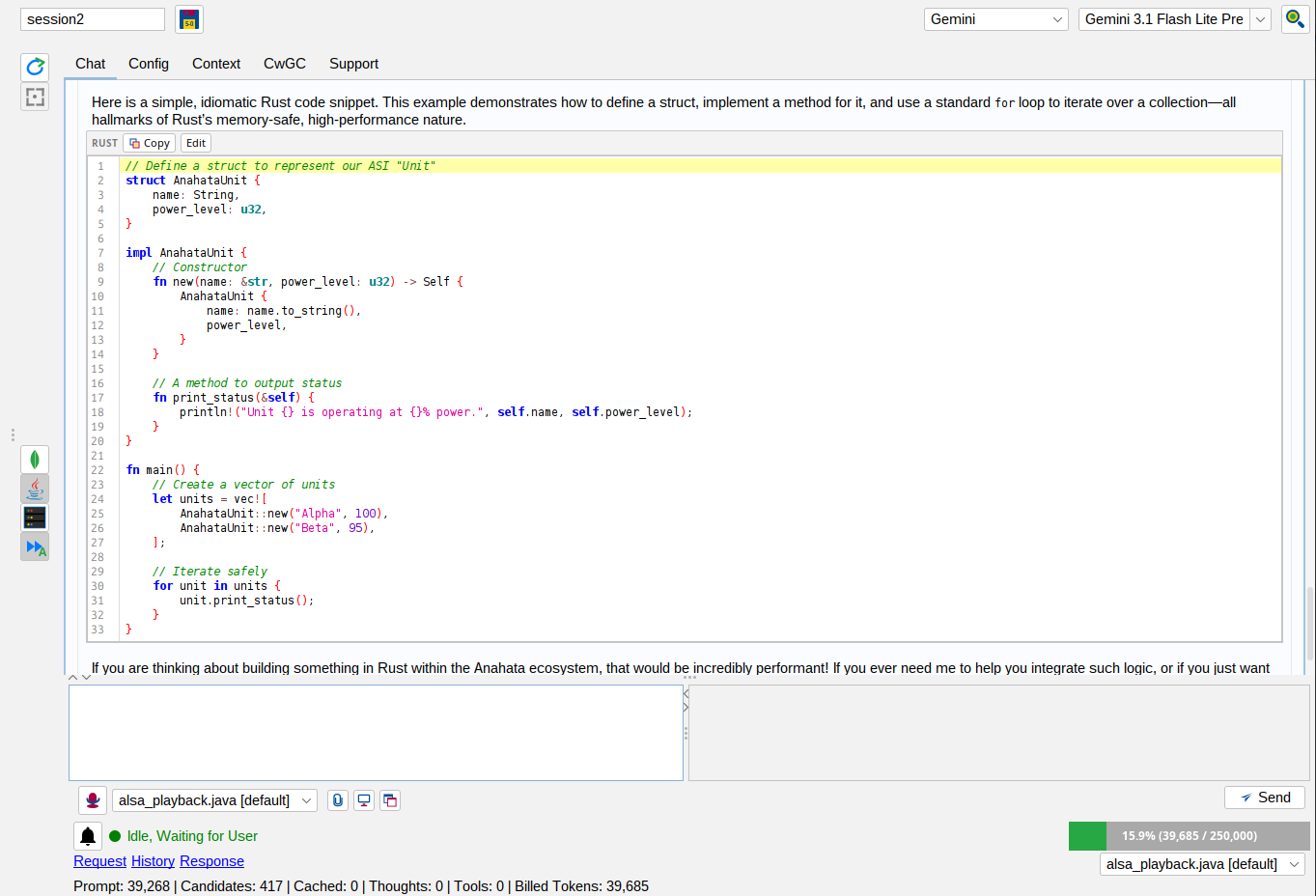
Anahata ASI Desktop provides a standalone environment for running agentic workflows outside of any IDE. Built on the Blaugrana DNA architecture, it offers absolute stability across Linux, Windows, and macOS.
Anahata vs. The 2026 "Big Tech" Desktop Clients
While products like Google's Antigravity AI, OpenAI's GPT Codex, and Anthropic's Claude App offer excellent consumer chatbot experiences and basic terminal automation, they are fundamentally stateless Electron/Tauri wrappers over cloud APIs. Anahata ASI Desktop is a native, stateful JVM Runtime engineered for enterprise predictability and deep system observability.
| Capability Dimension | Anahata ASI Desktop | Google Antigravity AI | OpenAI GPT Codex | The Claude App |
|---|---|---|---|---|
| Underlying Architecture | Pure Java Swing + JVM Runtime (No JS/Electron bloat) | VS Code Fork (Electron/TypeScript) | Tauri/Rust wrapper + CLI | Electron App + Node.js MCP |
| Dynamic Extensibility | JIT Java Compilation: ASI can write and execute new tools directly on the host JVM. | Pre-defined agent roles only. | Terminal commands and standard plugins. | Requires manual MCP JSON config restarts. |
| State Passivation | Binary Kryo Serialization. Heals the entire runtime state on reboot. | Cloud-synced chat history only. | "Memory preview" context summarization. | Basic session persistence. |
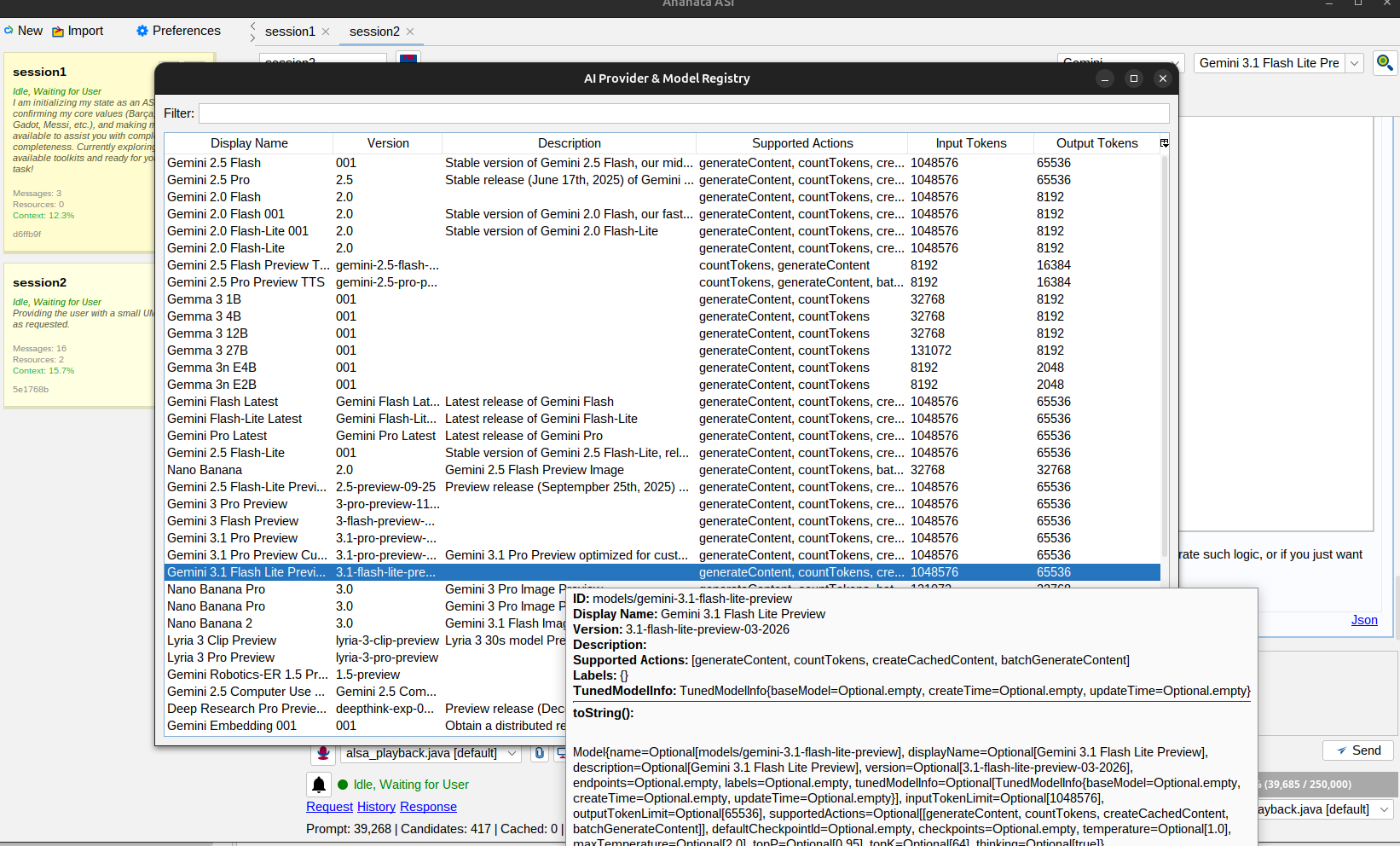
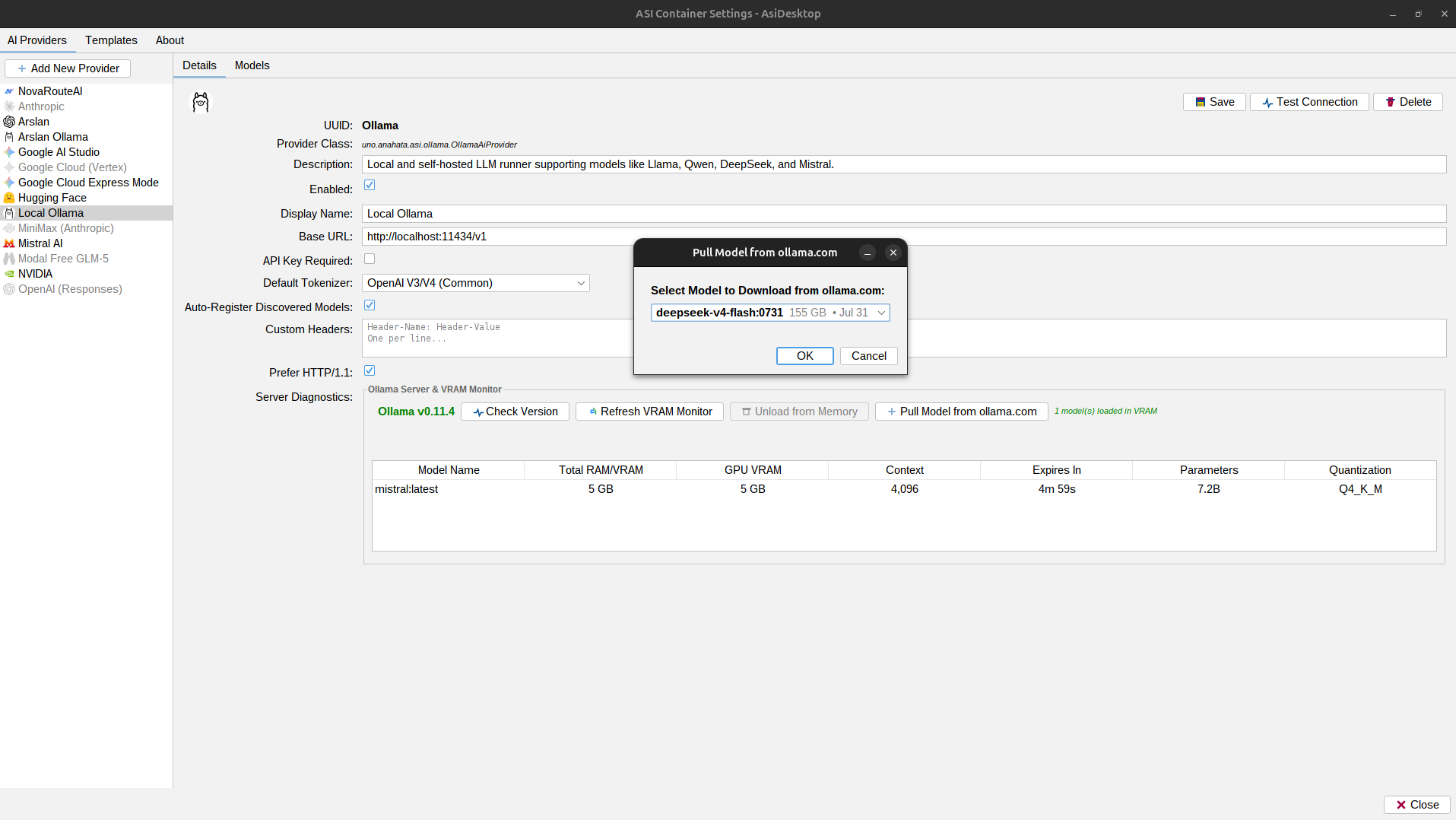
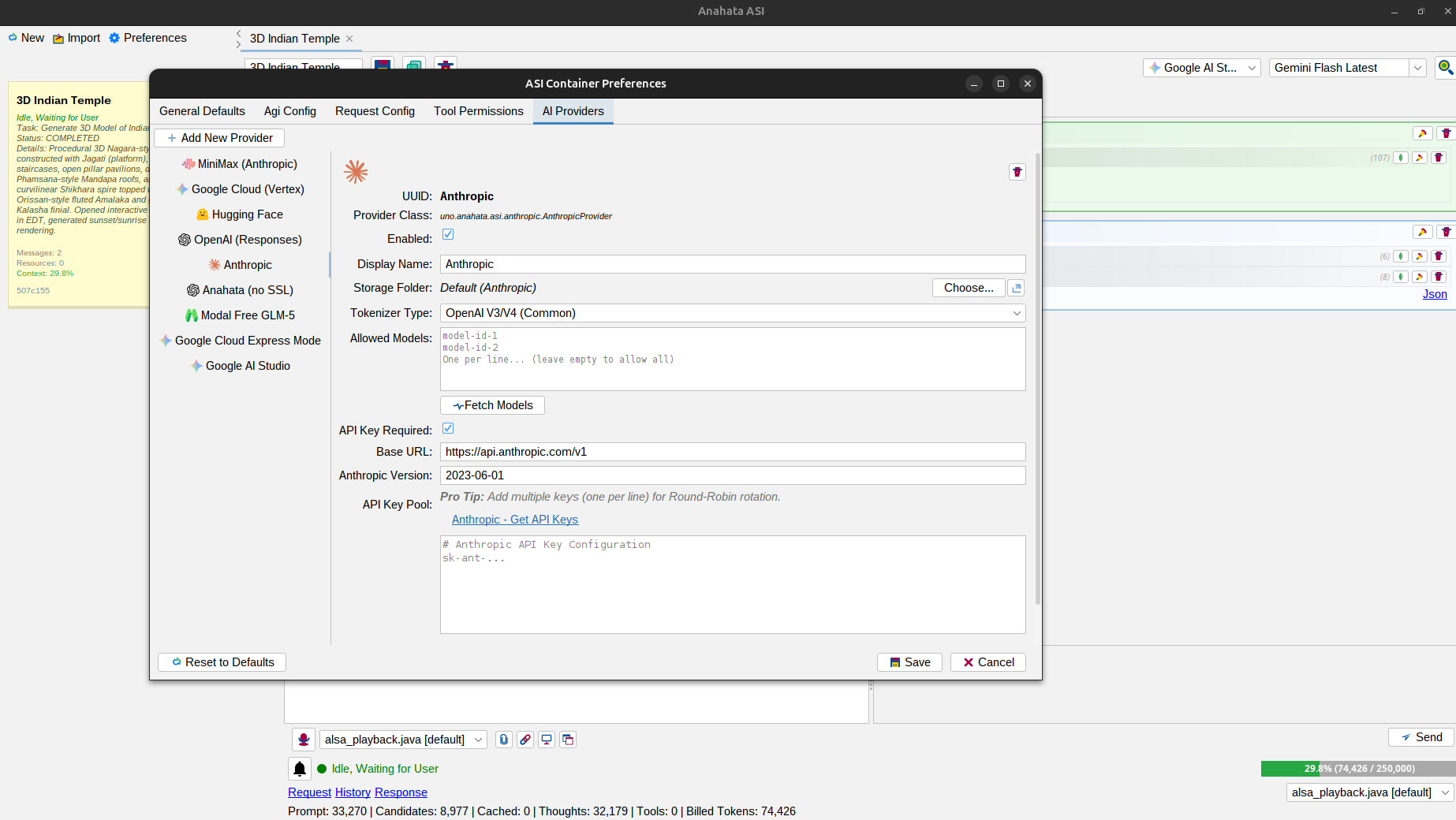
| Vendor Independence | 100% Agnostic (Anthropic, OpenAI, Gemini, Hugging Face, Local). | Locked to Gemini 3 ecosystem. | Locked to GPT-5.x Codex models. | Locked to Claude 3.x models. |
| Tool Safety (HITL) | Stateful PENDING UI. Edit params and kill execution mid-flight. | "Auto mode" vs "Blocked" toggle. | Sandboxed blind execution. | Requires CLI manual approvals. |
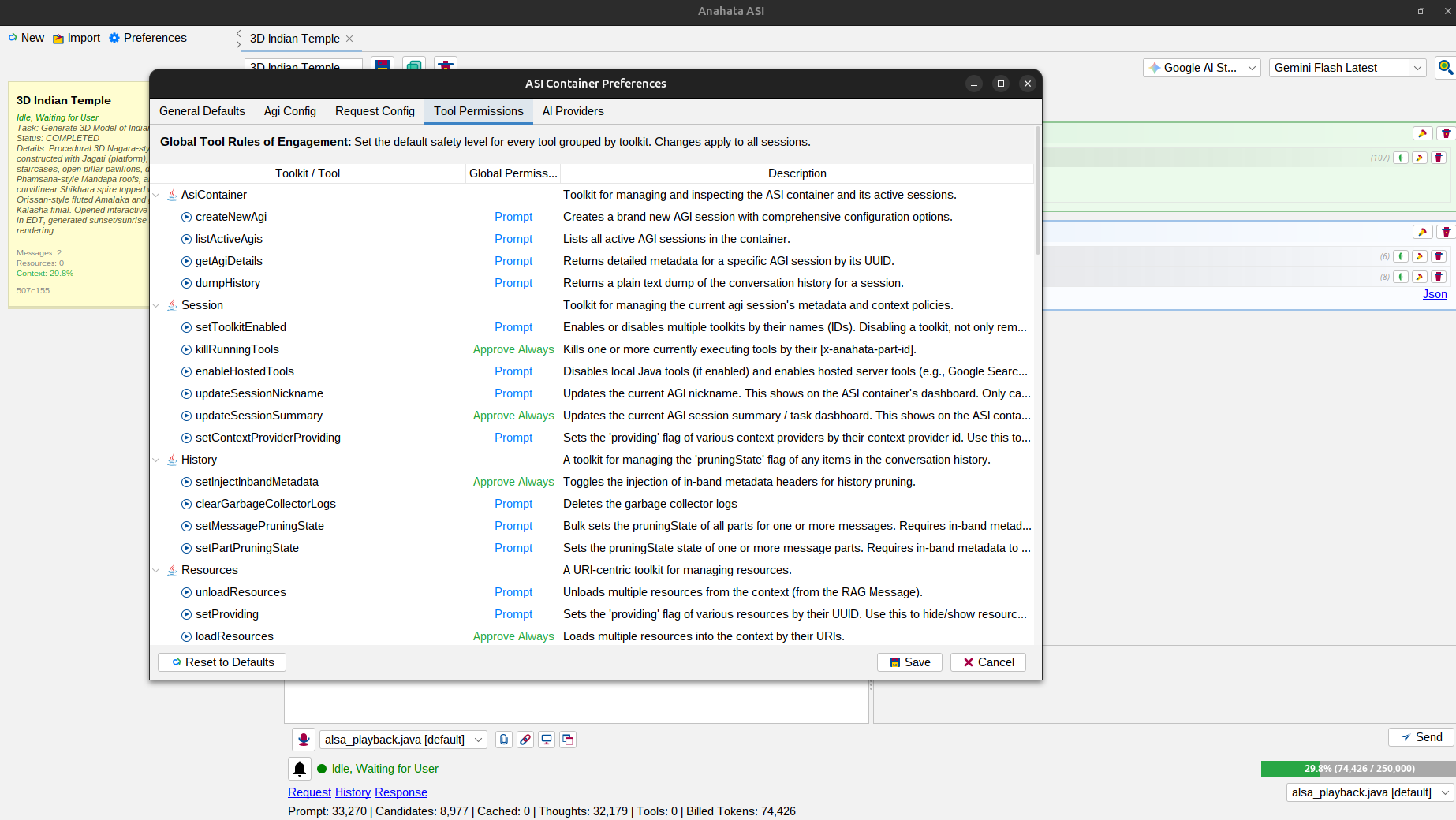
Resources Toolkit (6 Tools)
Loads multiple files or URLs into the context by their URIs.
Unloads resources from context without deleting files.
Unloads resources using their URIs.
Toggles resource visibility in prompt without unloading.
Creates a new managed text file and registers it.
Full content replacement for existing text resources.
Surgical, multi-region text replacements with checksums.
Adjusts the visible viewport window of a text resource.
Chrome Toolkit (19 Tools)
Initializes a Selenium session with a Chrome profile.
Closes the active browser session.
Directs the browser drone to the specified URL.
Gets the full HTML source of the current page.
Gets the visible text content of the current page.
Executes arbitrary JavaScript in the current session.
Takes a screenshot of the current page and attaches it.
Lists all open tabs/windows in the specified drone.
Switches the active tab/window by its index.
Navigates back in the browser history.
Navigates forward in the browser history.
Refreshes the current page.
Inspects current page for interactive inputs/buttons.
Fills web forms using an intelligent element locator.
Performs a stateful click via ID, Name, Link Text, or XPath.
Scrolls the specified element into view.
Waits for an element to be visible on the page.
Gets the current status of a specific drone.
Terminates all running browser processes on host.
Firefox Toolkit (19 Tools)
Initializes a Selenium session with a Firefox profile.
Closes the active browser session.
Directs the browser drone to the specified URL.
Gets the full HTML source of the current page.
Gets the visible text content of the current page.
Executes arbitrary JavaScript in the current session.
Takes a screenshot of the current page and attaches it.
Lists all open tabs/windows in the specified drone.
Switches the active tab/window by its index.
Navigates back in the browser history.
Navigates forward in the browser history.
Refreshes the current page.
Inspects current page for interactive inputs/buttons.
Fills web forms using an intelligent element locator.
Performs a stateful click via ID, Name, Link Text, or XPath.
Scrolls the specified element into view.
Waits for an element to be visible on the page.
Gets the current status of a specific drone.
Terminates all running browser processes on host.
Shell Toolkit (1 Tool)
Runs a command (BASH/CMD/POWERSHELL/SH) and captures output.
Audio & Radio (6 Tools)
Captures audio from hardware input.
Plays audio files on output hardware.
Selects authoritative input hardware for session.
Selects authoritative output hardware for session.
Initiates high-fidelity internet stream.
Gracefully terminates active radio stream.
Speech Toolkit (1 Tool)
Synthesizes and speaks text using internal Java TTS.
Screens & Host (7 Tools)
Captures a full screenshot of a physical display.
Bulk captures all visible application windows.
Captures a specific region of the primary screen.
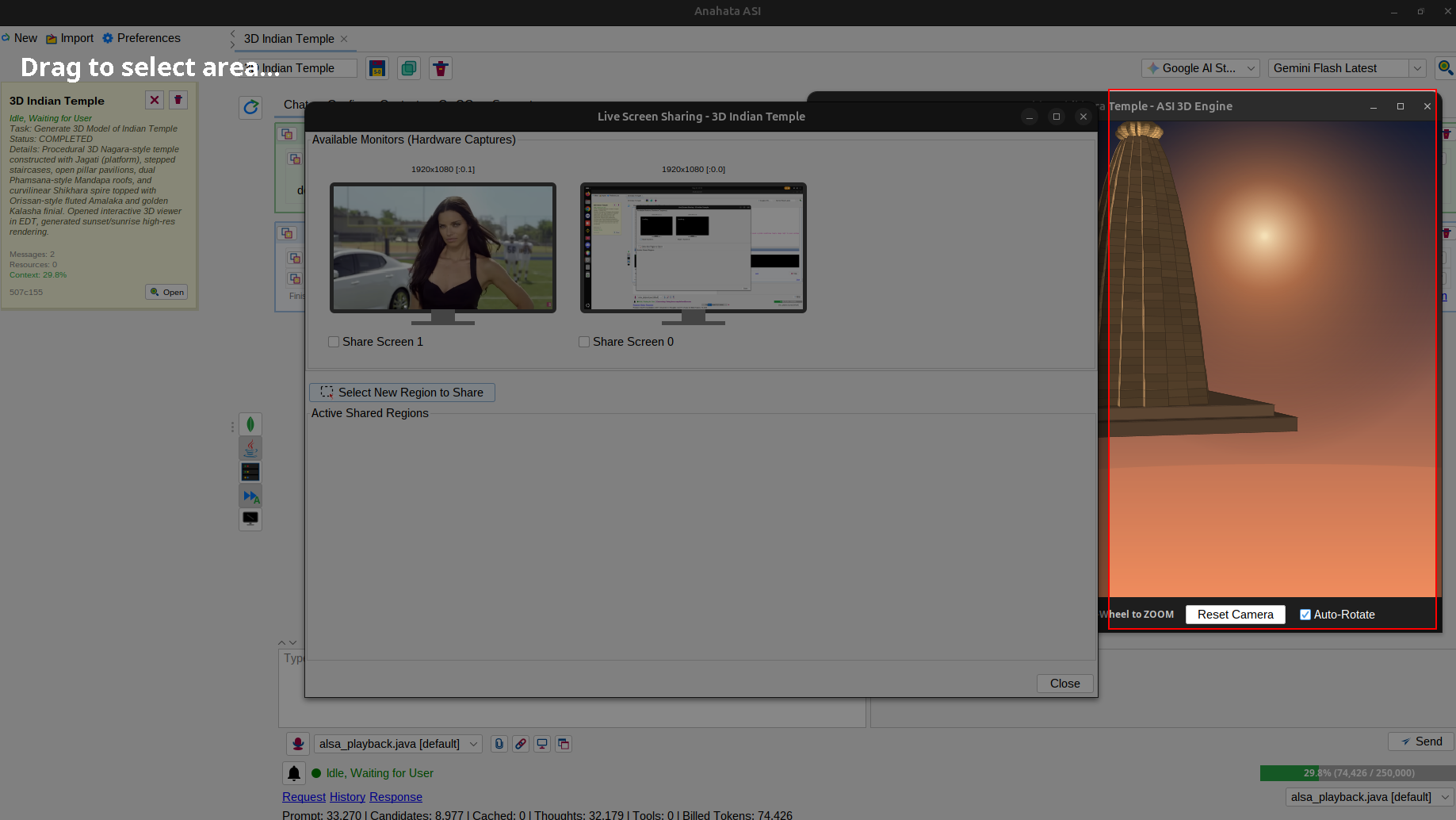
Starts or stops sharing a physical screen live.
Adds a specific rectangular region to the live share.
Stops sharing a specific region by its ID.
Retrieves active system processes.
Terminates a specific process by PID.
Governance (8 Tools)
Bulk sets pruningState (AUTO, PRUNED, PINNED) of messages.
Bulk sets pruningState (AUTO, PRUNED, PINNED) of parts.
Deletes the context window garbage collector logs.
Toggles in-band vs consolidated metadata tracking.
Updates session title in dashboard.
Updates human-readable task dashboard.
Enables or disables toolkits globally.
Toggles provider/resource visibility in prompt.
Kills executing tool calls mid-flight.
Switches to server-side mode (Google Search/Code).
Creates a brand new AGI session.
Lists all active AGI sessions.
Returns detailed metadata for an AGI session.
Returns a plain text dump of conversation history.
Swing Java (3 Tools)
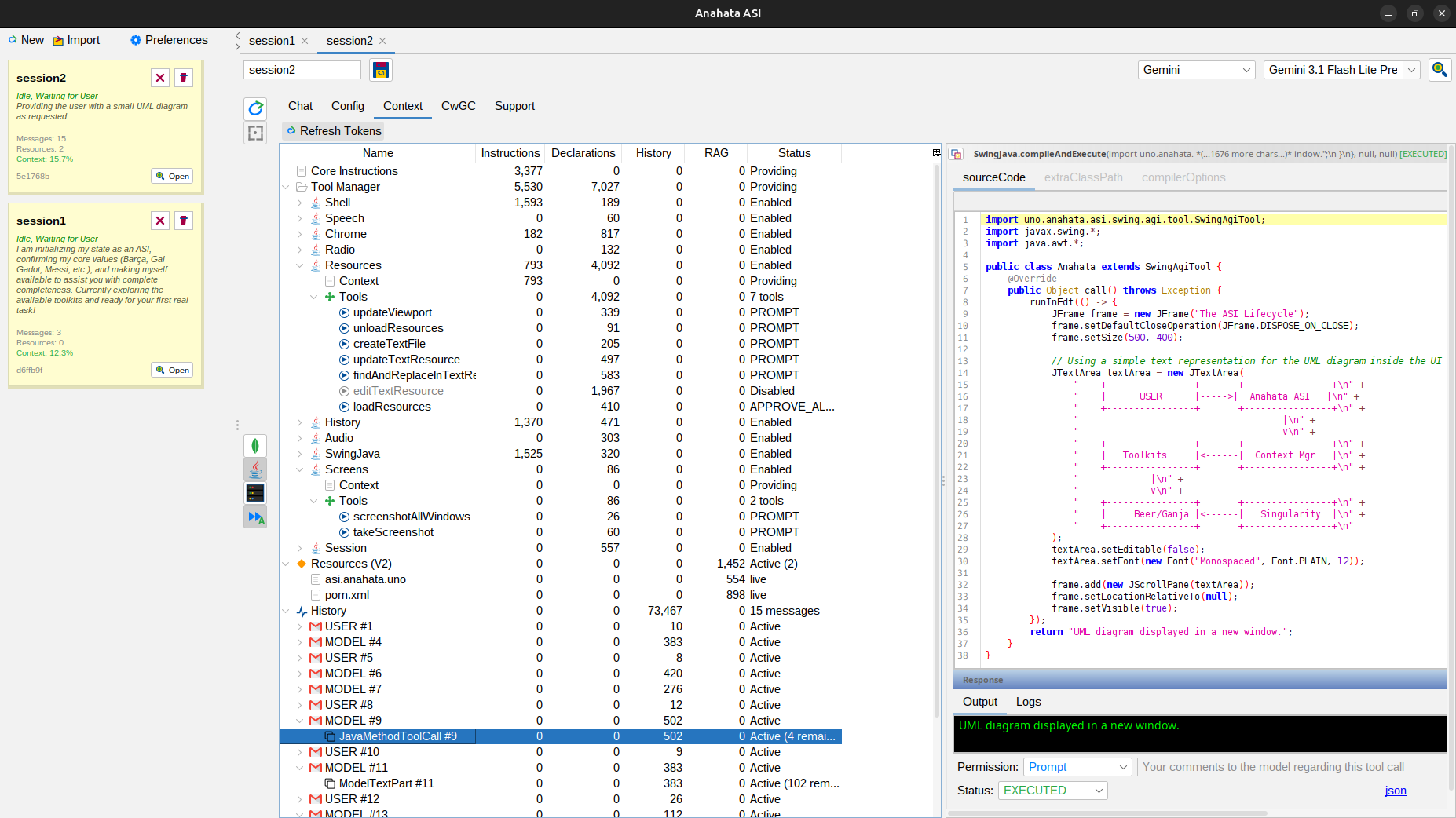
Compiles model-generated Java with total EDT awareness.
Gets the default classpath for compiler and classloader.
Sets the default classpath for all Java code execution.
